
THE CUSTOM CODE PART OF THIS VIDEO ISN'T REQUIRED. SEE THE PINNED COMMENT OR UPDATED BLOG POST FOR DETAILS (But I'd still recommending watching all of that part because you'll still learn stuff ).
—
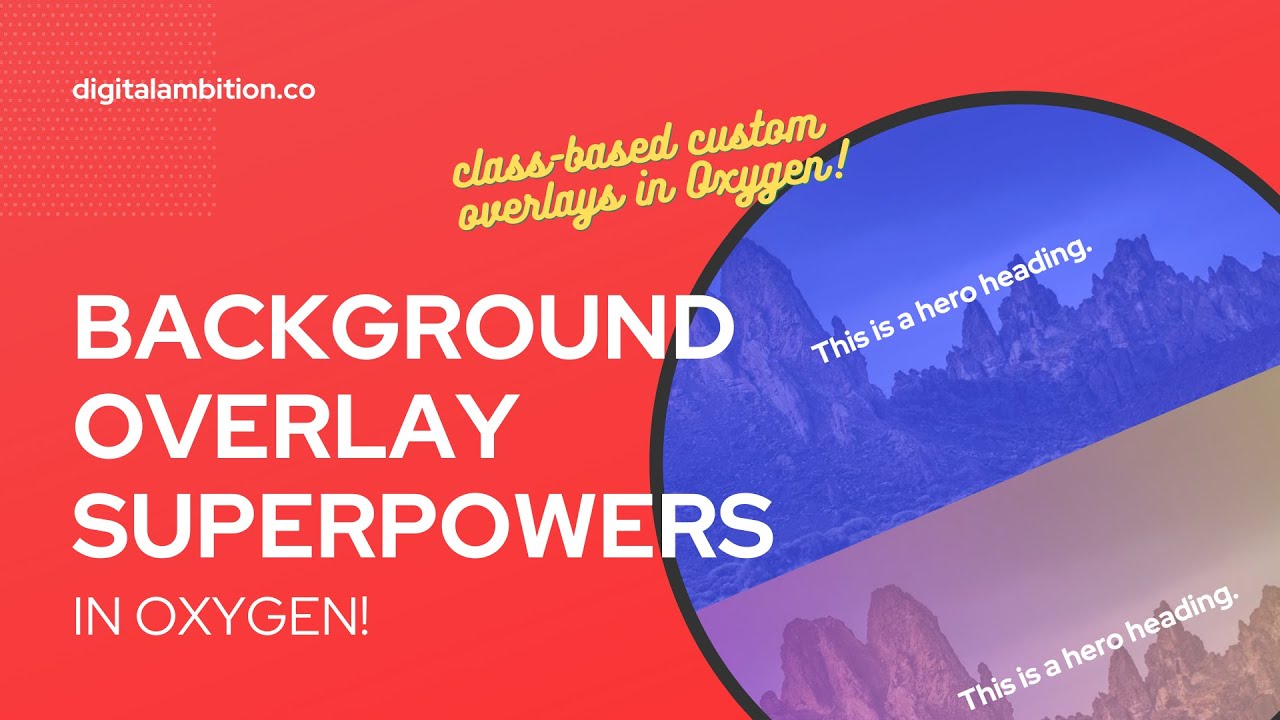
I've been slightly bummed about creating background overlays since I started using Oxygen because the styling has to be set at the ID level.
This is less than ideal because you have to recreate the style every time you want to use it (or copy and paste a section) and there's absolutely no future-proofing. If something about the style needs to change, you have to manually change it everywhere you've used it.
When I first tried to assign overlays to classes, it didn't work and I just abandoned it because I was busy. It was something I've wanted to revisit and I finally got a moment to really sit down and address the issue and come up with a workaround.
I'm just calling this technique "Custom Overlay Classes" and there's three parts to this technique. It's fairly simple and elegant and the small code snippet that's required can be copied from my companion blog post…
GET IT HERE: https://digitalambition.co/watch/background-overlay-superpowers-in-oxygen-class-based-custom-overlays/
Once you acquire these superpowers, you're free to add as many overlay classes as you want. As long as you use the same starting convention, "overlay–" you'll never have a content layer issue.
You also have the full range of styling options, from double overlay colors, to gradients, to patterns, to more images, to custom code, to filters, to blend modes … the whole bag of tricks.
Have fun!
0:00 Intro
01:28 Old Method
06:10 New Technique
08:45 Fixing Layering Issue
12:50 Future-Proofing
17:40 Seeing All Options