
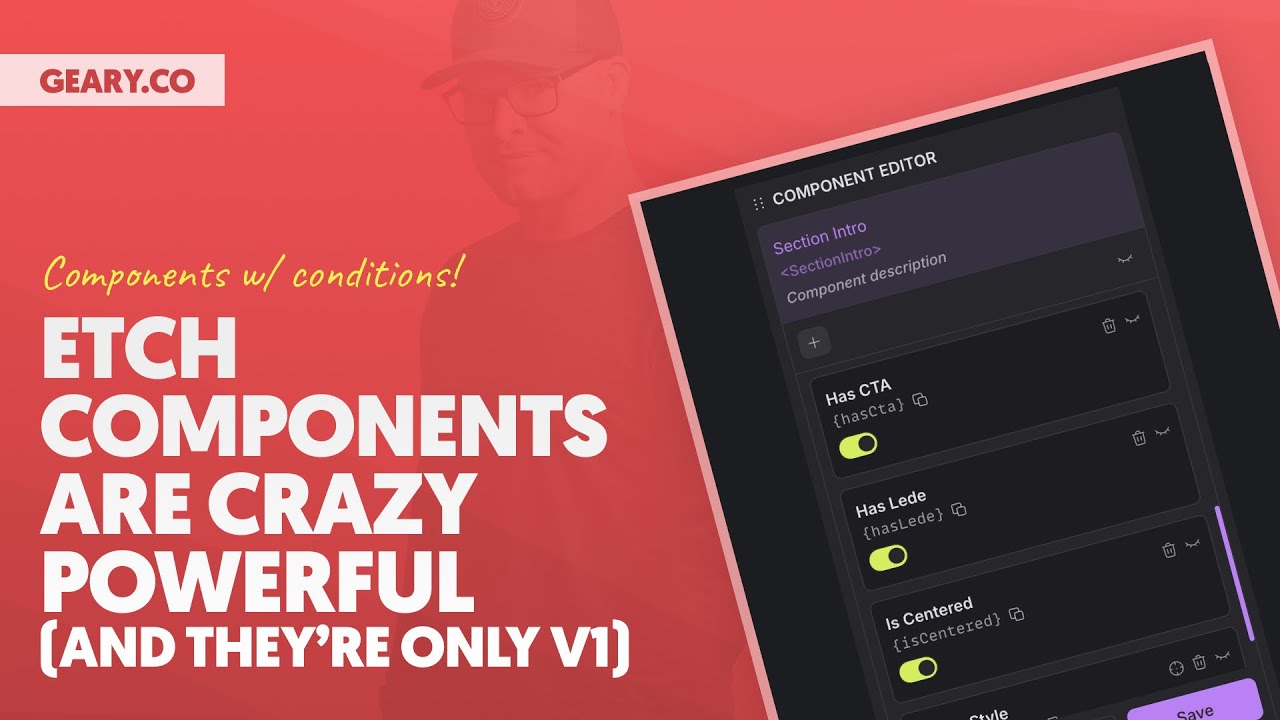
In this video, Kevin explores Etch components, a powerful feature that’s already showing off in its first iteration. Even if you're a pure beginner to web design, you'll see how easy and quick it is to start using components in Etch.
Here’s what's covered:
How to Create a Component in Etch – Kevin walks through building a Section Introduction component step-by-step.
Why Components Are Useful – Kevin shows how they help reduce repetitive code and improve scalability and maintainability while helping you work more efficiently.
Adding Component Props – Kevin demonstrates how props add flexibility to your components.
Component Variations with Conditional Logic – Kevin explains how to use simple logic to control the behavior of a component.
Keep in mind that this is just V1 of components in Etch, so there’s more to look forward to as it develops.
*** MY TOOLS ***
🔥 Etch – https://gearyco.link/9rjL8bh
🔥 AutomaticCSS (ACSS) – https://gearyco.link/LBeYKSP
🔥 Frames – https://gearyco.link/kSwaWZx
See all my recommended tools here: https://geary.co/tools/
*** INNER CIRCLE ***
Step your design/dev game up, make more money, and get the full scoop on scaling your digital agency! When it comes to the Inner Circle, I don't hold back.
⭕ In-depth design & dev trainings
⭕ Business, sales, & marketing trainings
⭕ Agency resources & downloadables
⭕ Vibrant, quality community with zero toxicity
⭕ …and much more!
Learn more and join here: https://gearyco.link/fbDNKfe
*** SOCIAL ***
👉 X – https://gearyco.link/VkiChCe
👉 FB – https://gearyco.link/Or2kjDg
👉 LinkedIn – https://gearyco.link/wjJkUWK
*** CHAPTERS ***